XC2 Recomp on Linux & Steam Deck
Every tagged release of AksharDP/xc2-recomp ships a self-contained Linux x86_64 type-2 AppImage (XC2-Setup-0.1.12-linux.AppImage, 218.7 MB) with an automatic Steam Deck 1280x800 / 40 FPS device profile.
- AppImage:
XC2-Setup-0.1.12-linux.AppImage(218.7 MB) - Kernel & libc: Linux 6.7+ · glibc 2.34+
- Deck preset:
1280x800·40 FPS·fifo - Shader cache: Portable
mesa-cache/
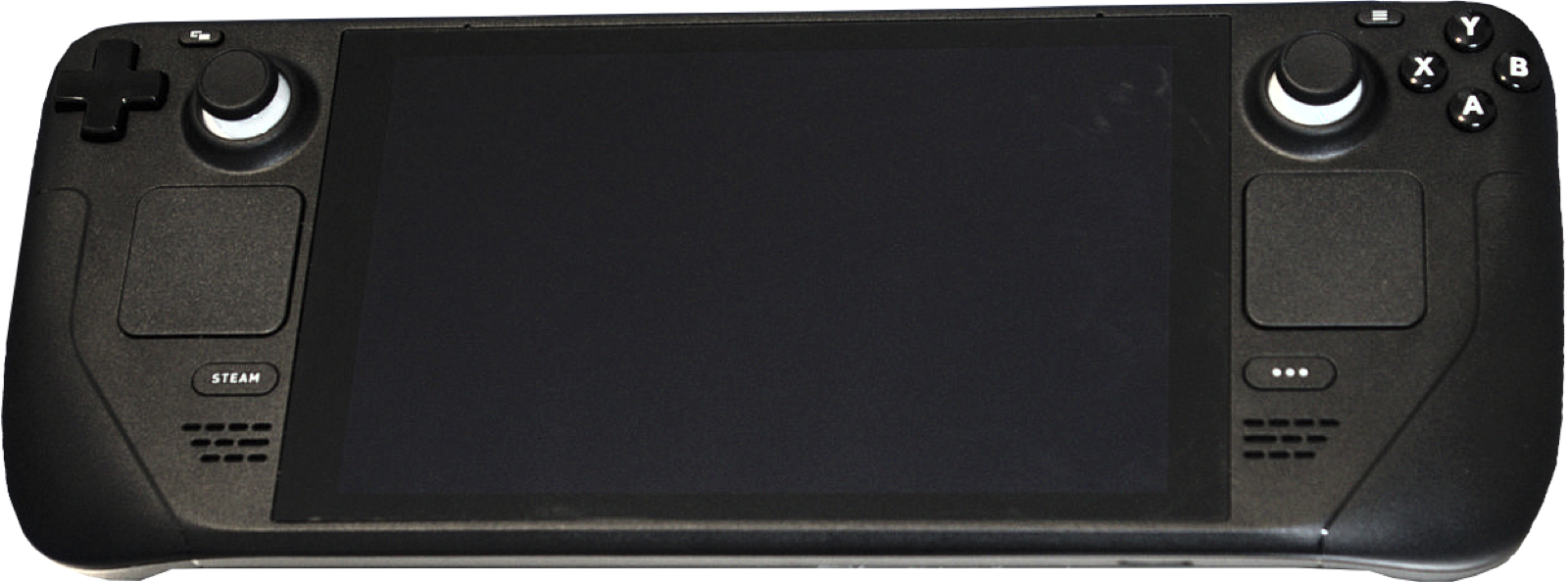
Linux kernel 6.7+ & glibc 2.34+ requirements
Added as a first-class target in v0.1.6, the Linux release (XC2-Setup-0.1.12-linux.AppImage) packs Python 3.14, Tcl/Tk 9.0.4, LLVM 23 (clang, lld, llvm-ar), the Steam Runtime 3 "sniper" SDK sysroot, libSDL3.so.0, and xc2_xlate inside a static type-2 AppImage that requires no libfuse2 on the host:
| Linux Subsystem | Requirement | Why XC2 Recomp Needs It |
|---|---|---|
| Linux Kernel | 6.7 or newer | Required for the kernel memory write-watch mechanism (PAGEMAP_SCAN / userfaultfd write-watch) used by the runtime’s memory tracking. |
| C Library (glibc) | glibc 2.34+ (Setup) · glibc 2.31+ (Game) | The compiled game binary (xc2) links against the Steam Runtime 3 sniper sysroot (glibc 2.31) and static Opus/libvpx/zstd/libstdc++, while the setup’s bundled LLVM 23 and cryptography wheel require glibc 2.34 (Ubuntu 22.04+, Debian 12+, Fedora 35+, SteamOS 3.5+). |
| Graphics Driver | Vulkan 1.3 + VK_EXT_external_memory_host | Mesa RADV (AMD / Steam Deck) or proprietary NVIDIA driver supporting Vulkan 1.3 host-memory imports. |
Installing on Steam Deck (Desktop Mode → Gaming Mode)
- Switch your Steam Deck to Desktop Mode and download
XC2-Setup-0.1.12-linux.AppImage(218.7 MB). - Open Konsole (or Dolphin file manager properties) and make the AppImage executable:
chmod +x ~/Downloads/XC2-Setup-0.1.12-linux.AppImage ~/Downloads/XC2-Setup-0.1.12-linux.AppImage - In the
XC2-Setupwindow, select your base game archive, Update3.0.1(or JP3.0.0), optional DLCs, console decryption key file, and target install folder (internal NVMe or microSD card), then press Start. - Because the AppImage is mounted read-only and a Steam Deck’s
/homepartition can be tight on space when installing to an SD card, the Linux installer automatically places its temporary C build folder at.setup-temp/inside your chosen install directory (configurable via--temp). - Once setup finishes, right-click the generated
xc2binary inside your install folder, choose Add to Steam, and return to Gaming Mode. No Proton compatibility layer should be enabled—xc2is a native Linux ELF executable!
Automatic Steam Deck device profile & portable Mesa cache
When device_profile = auto (the default in xc2.ini) detects a Steam Deck, XC2 Recomp automatically applies handheld-tuned defaults for any key you have not manually overridden:
- Fullscreen & Window
fullscreen = 1andwindow_size = 1280x800(fills the 16:10 Steam Deck display while keeping 16:9 proportions viapicture_fit = keep).- Resolution & Scaling
output_res = 1280x720andrender_scale = gamewith AMD FSR 1 spatial sharpening (upscaler = fsr,sharpness = 80).- Frame Pacing
vk_present = fifo(VSync) andfps_limit = 40for smooth 40 Hz / 40 FPS frame delivery on Steam Deck LCD and OLED panels.- Memory Mode on Linux
- Linux defaults to
memory = importwith staging storage, saving ~1.3 GiB of unified APU memory. - Portable RADV Shader Cache
- Unless
MESA_SHADER_CACHE_DIRis set in the environment, the Linux runtime stores Mesa RADV’s shader cache inmesa-cache/right next toxc2so it does not fill~/.cacheon the internal drive.
Recommended PC controllers
XC2 Recomp uses SDL3 controller input with automatic Nintendo, Xbox and PlayStation button prompt generation (plus custom rumble curve and Xbox impulse trigger options):
| Controller | Best For in XC2 Recomp | Hardware Advantage | Link |
|---|---|---|---|
| 8BitDo Ultimate 2 Wireless | Nintendo layout & Windows/Deck dock | Zero-drift TMR sticks, charging dock, native Switch/XInput mode toggle | View on Amazon |
| GameSir Cyclone 2 | 1000 Hz Blade combo canceling | TMR sticks, micro-switch ABXY buttons and 1000 Hz wireless dongle | View on Amazon |
| Sony DualSense | PlayStation button prompts | Automatic PlayStation icon rendering in XC2 tutorials and Driver Arts HUD | View on Amazon |
| Xbox Wireless Controller | Xbox prompts & impulse triggers | Supports rumble_triggers = 1 in xc2.ini with redrawn Xbox button glyphs | View on Amazon |
As an Amazon Associate, this site earns from qualifying purchases.


Common questions
Should I force Proton Experimental when adding xc2 to Steam on Steam Deck?
No! The Linux AppImage compiles a native Linux x86-64 ELF binary (xc2) linked against libSDL3.so.0 and the system Vulkan loader. Leave "Force the use of a specific Steam Play compatibility tool" unchecked in Steam properties.
Where does the Linux installer save my last-used file paths for updates?
On Linux, XC2-Setup saves your last selected paths (never the key contents) in $XDG_CONFIG_HOME/xc2-recomp/launcher.json or ~/.config/xc2-recomp/launcher.json.